Now on iPhone.
Open the web app in Safari and add it to your Home Screen. Tap the bell in the installed app for optional study reminders and app updates.
iPhone installation guideChoose a topic, practise a little and come back to the questions that need another look. K53 Next is available on Android and as an installable iPhone web app.
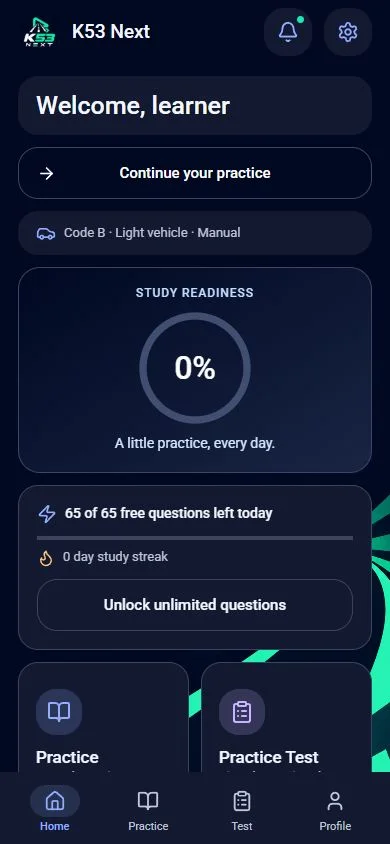
Use more than 1,600 enabled practice questions across the question bank’s vehicle paths. Study road rules, road signs and the controls for your selected motorcycle, light motor vehicle or heavy motor vehicle.
Open the web app in Safari and add it to your Home Screen. Tap the bell in the installed app for optional study reminders and app updates.
iPhone installation guideUse the same account and sign-in method to sync the current Android and web apps. Verified Android Premium is recognised on the web. Guest activity and previous Base44 accounts remain separate.
Choose your deviceK53 Next provides independent practice. It is not a government service, and its questions are not live official exam questions. Use the original learner-driver manuals and check current booking requirements with your Driving Licence Testing Centre.
Free practice has daily limits. Purchased Premium provides unlimited practice and removes adverts; Google Play shows the current Android price and purchase terms. New web purchases are not yet enabled.
Choose Android or the iPhone web app and start your next study session.